Free Chrome extension
Save any image as JPG, PNG, WebP or PDF with one right-click
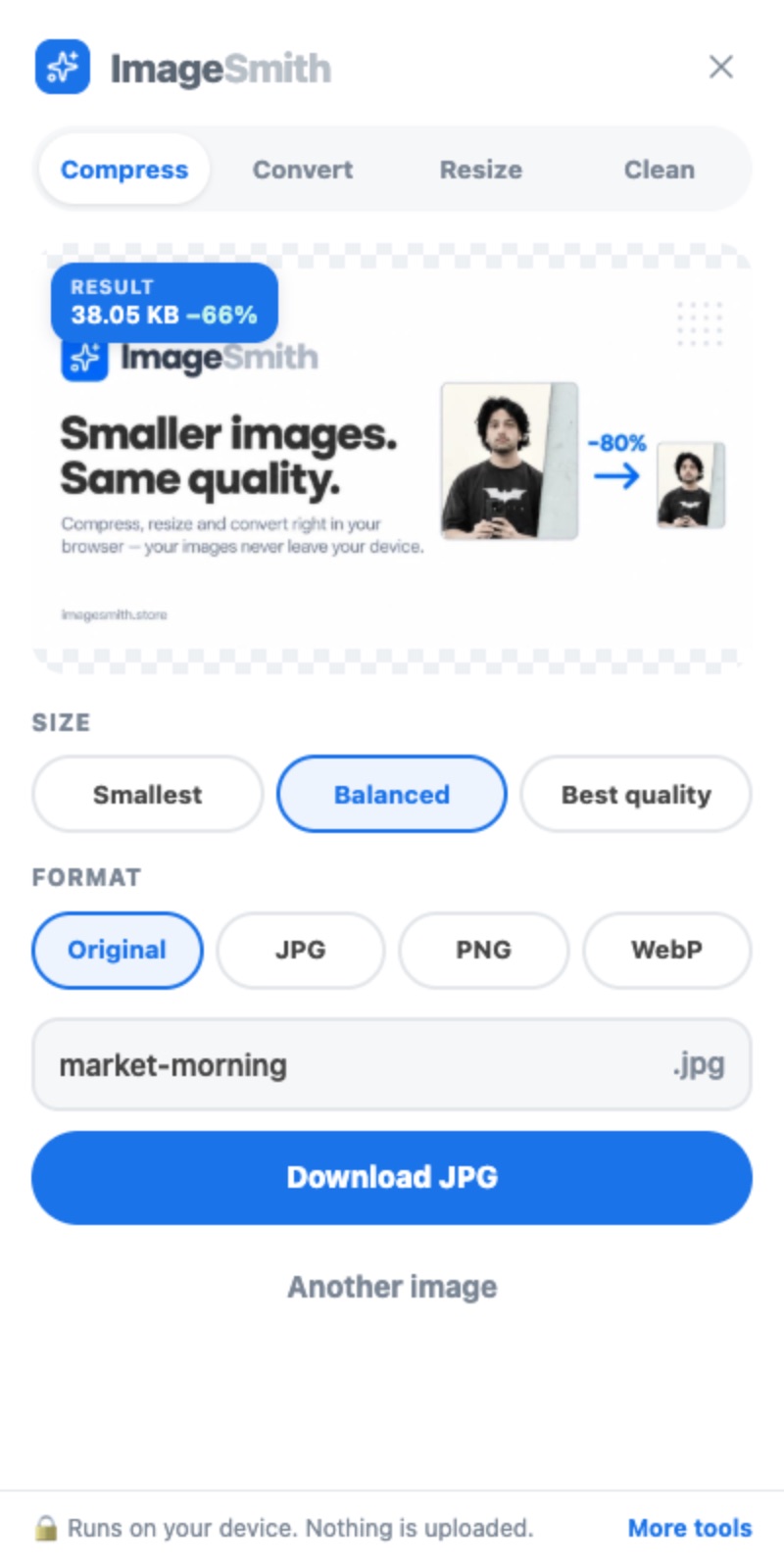
Websites often serve pictures as WebP or AVIF, which many apps cannot open. Right-click the picture, choose ImageSmith → Save image as JPG, and it is saved in a format that works. Compress, resize and clean your own images from the toolbar button.
Until it launches, every tool works right here on the website.
- Nothing is uploaded
- No sign-up
- Free, no watermark
How it works
- 1
Right-click an image
On any website: a product photo, a WebP you cannot open, a picture in an article.
- 2
Pick a format
Choose ImageSmith → Save image as JPG, PNG, WebP or PDF. Or Edit in ImageSmith to compress or resize first.
- 3
It’s saved
The file is converted on your computer and saved to your downloads in a second.
Everything it does
Compress
Smaller files with no visible quality loss, using the same MozJPEG, WebP and OxiPNG encoders as the website.
Compress on the webSave as JPG, PNG, WebP or PDF
Right-click any picture and save it in the format you need. Transparency is kept where the format allows it.
Convert on the webResize
Exact width and height in pixels, or 25, 50 or 75 % of the original, keeping the shape.
Resize on the webClean
Remove the GPS location, camera details and dates hidden inside a photo before you share it.
Remove metadata on the web
Works on your own images too. Click the ImageSmith button in the toolbar, then drop, paste or choose an image from your computer. Copy the result straight to your clipboard.
Private by design
- Every image is processed inside your browser. No image, and no part of one, is sent to ImageSmith or anyone else.
- The extension collects no data: no analytics, no ads, no account.
- It only runs on a page after you click its button or its right-click menu.
What it asks Chrome for, and why
- Right-click menu
- Adds “Save image as JPG, PNG, WebP or PDF” to the menu when you right-click an image.
- Current tab, when you use it
- Shows the ImageSmith panel on the page you are on — only after you click.
- Storage
- Remembers where you dragged the ImageSmith button. Nothing else.
- Reading pictures from websites (optional)
- Some sites lock their pictures. ImageSmith asks once, the first time it meets one, so it can open the picture you right-clicked. Pictures are processed on your computer and never sent anywhere.
Questions
Fix any image without leaving the page
Free, private, and one right-click away.
Until it launches, every tool works right here on the website.